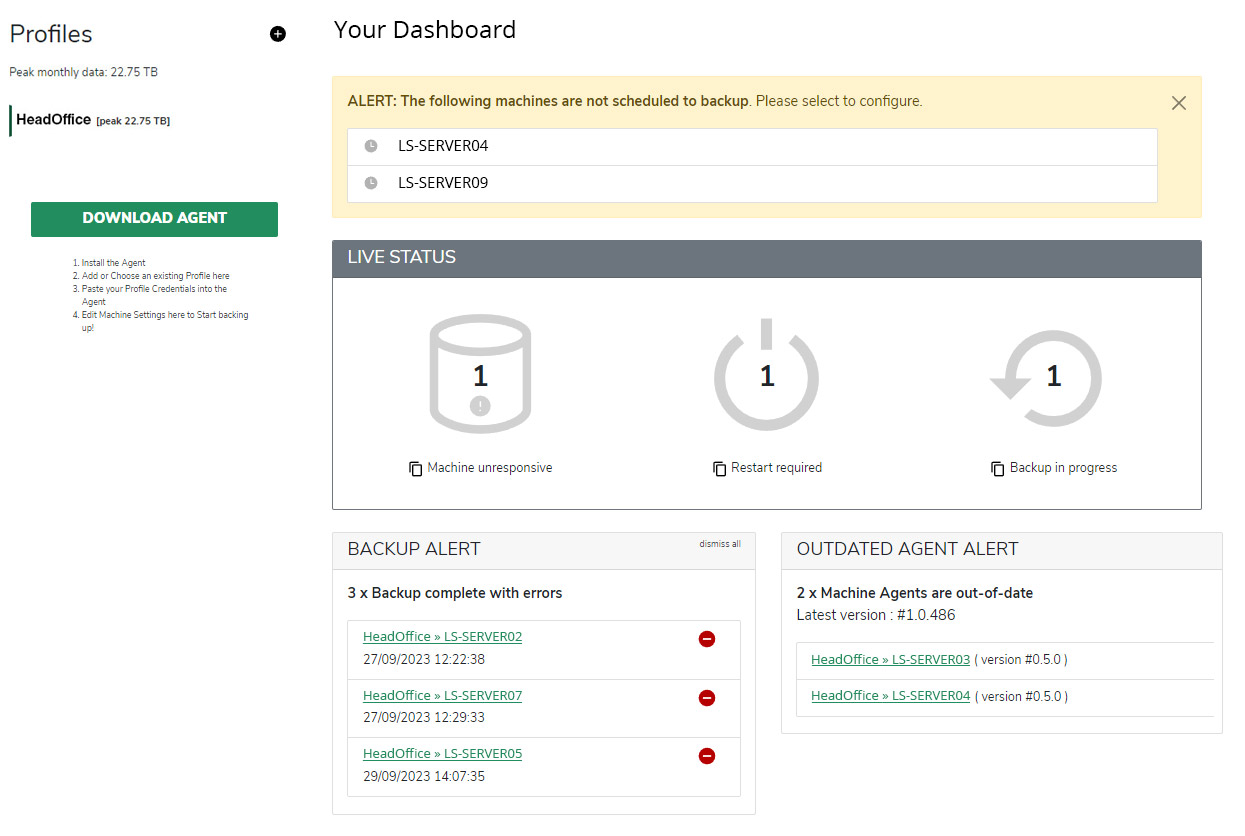
More than backup status
Find and fix issues before they become problems.
Lightsafe goes beyond reporting that a backup ran. It checks integrity, analyses behaviour and helps resolve detected inconsistencies before recovery is needed.
 Verify continuously Check backup records against cloud-stored data.
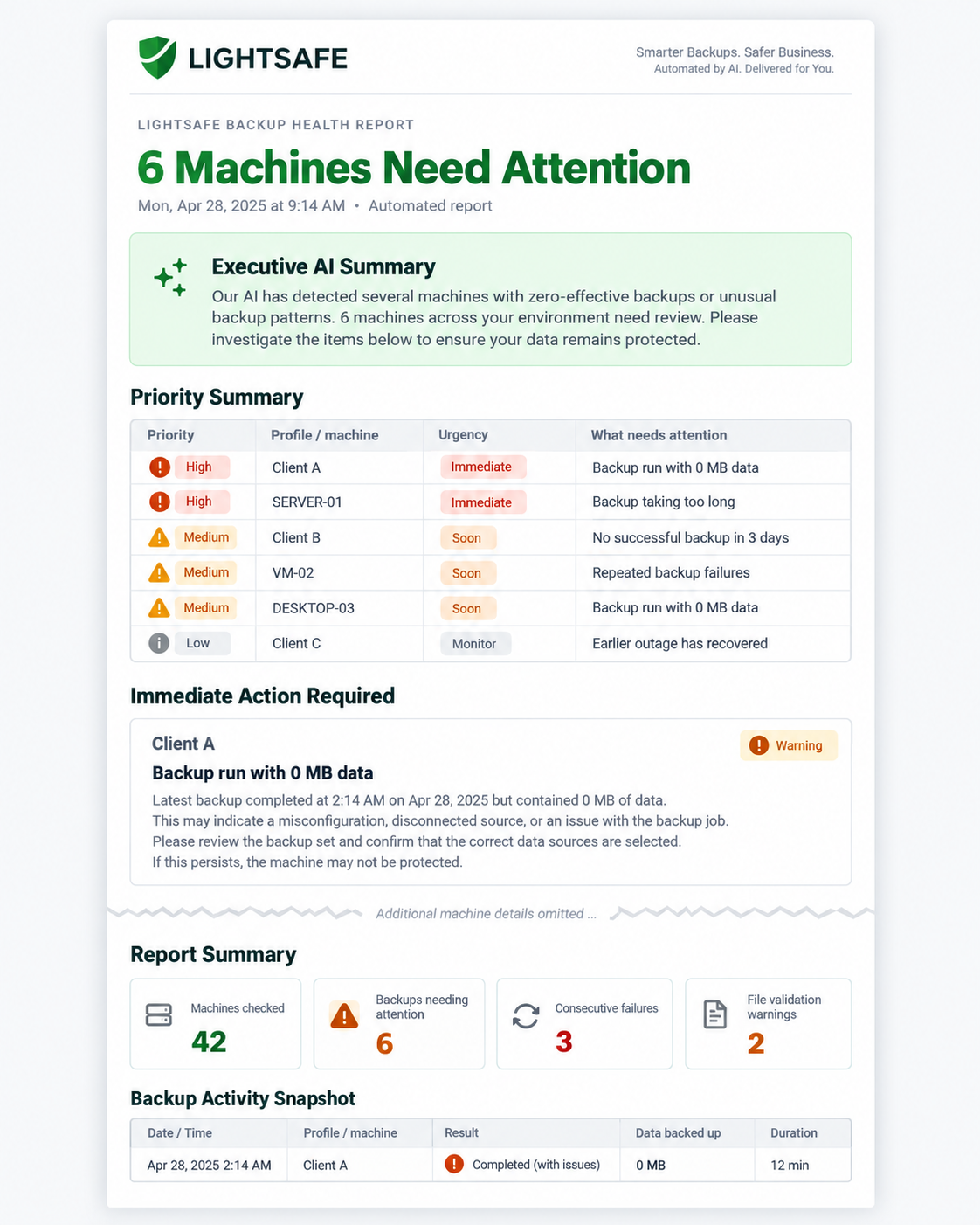
  AI detects patterns Identify unusual duration, missing activity and abnormal volumes.
  Self-healing actions Automatically correct detected backup divergence.
  Targeted notifications Be informed of success, errors, failures and anomalies.
 How it works
Automatic verification and self-healing.
Lightsafe works behind the scenes to verify backup integrity, analyse unusual behaviour and take action where required.
1
Run verification checks Compare local backup records with cloud data. 2
Analyse with AI Detect issues and unusual backup patterns. 3
Take automated action Self-heal detected inconsistencies where possible. 4
 Notify your team Send a clear, prioritised email health report.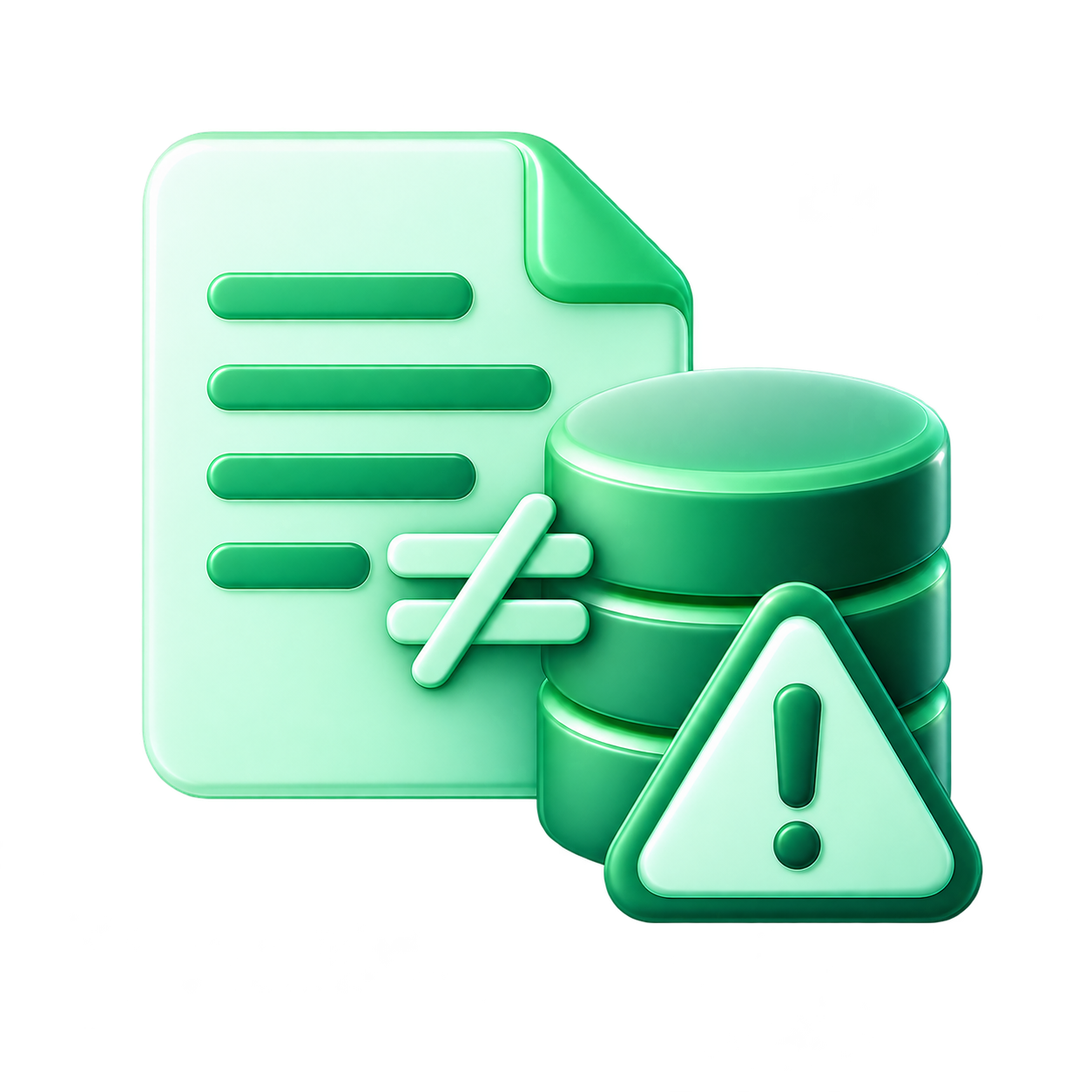
Key benefits for MSPs
Greater confidence in your backup estate.
 Fewer nasty surprises Catch integrity issues before recovery is needed. Less manual checking Let automation and AI do the heavy lifting. Faster correction Self-healing reduces manual intervention.
  More efficient operations Manage a larger estate without multiplying admin.
 Frequently asked questions
Questions about verification?
How does Lightsafe verify backups?
Lightsafe's full-verify routines compare local backup records with cloud-stored backup data, helping identify corruption, mismatch or unexpected divergence.
What issues can Lightsafe self-heal?
When differences between local backup records and cloud data are identified, Lightsafe is designed to correct the divergence through the next backup cycle.
How are the email reports delivered?
Lightsafe can send automated health and backup notifications by email so MSP teams can review exceptions without continually checking the Platform.
What does the AI analysis look for?
Lightsafe can detect backups running longer than usual, Machines that stop sending backup records, and Machines backing up less data than normal.
Can I customise notifications?
Yes. Notifications can be configured for successful backups, completed-with-errors, failures and cancelled jobs.
Does this replace restore testing?
No. Continuous verification is an additional integrity control and should complement your normal restore-testing and disaster-recovery procedures.